blog
Reverse Wiktionary
Building a multilingual reverse dictionary with Wiktionary data and semantic embeddings.
I’m excited to share my first post-graduation demo project: Reverse-Wiktionary.com
. As my academic workload started to lighten over the past few weeks, I started thinking about building some demonstration projects and experimenting with cloud infrastructure. I’ve been seeing a lot of interest in semantic search and retrieval-augmented generation, so I thought a great place to start would be a project involving natural language semantic embedding.
High-Level
Before getting too into the weeds: at a high level the project is a multilingual reverse dictionary. The user enters a meaning written in natural language and the service returns words with closely matching meanings from Wiktionary.org. The app supports over 4,000 languages and allows filter selection for individual languages or language families.
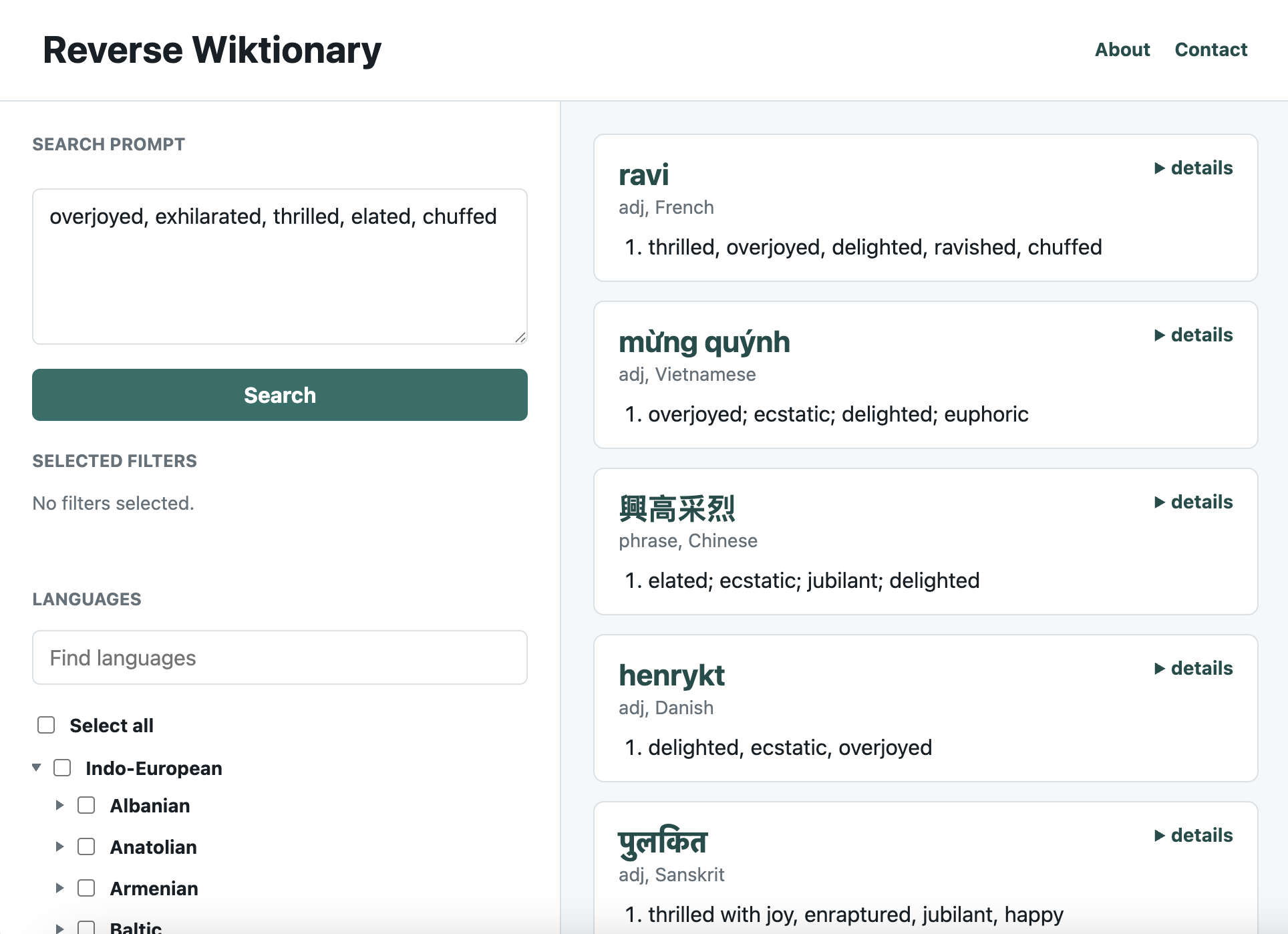
This felt like a cool way to demonstrate semantic search in a full-stack web application.
Project Background
Wiktionary is an online multilingual dictionary created by its community of users. It contains definitions for millions of words across thousands of languages, and, in many cases, detailed notes on etymology, derived terms, and other interesting metadata.
I was aware from a previous project of a website that hosts a raw web scraping of all of Wiktionary’s word definitions that is frequently updated. A reverse dictionary seemed like a natural project for people interested in exploring language (including me).
My goals for this project were:
- Deploy a repeatable offline data preprocessing pipeline to construct a vector search database snapshot and save it for easy deployment.
- Write a deployment script for a self-contained web application with a database backend and client-server browser API.
A Little on the Technical Side
If you’d like to read the full design documentation, refer to the Reverse Wiktionary README . I’m going to highlight a few details that may be interesting to both technical and nontechnical readers.
What Is an Embedding?
The foundation of this project is taking text, such as the dictionary definition of a word, and turning it into a semantic embedding vector. A semantic embedding is a representation of text as a list of floating point numbers, usually small positive or negative values close to 0, that encode the meaning of the text.
A neural network (in this case a sentence transformer model) produces this representation as an intermediate output. The model turns definitions into points in a high-dimensional space, so definitions with similar meanings end up near each other while distinct meanings are pushed farther apart. Closeness in this case means cosine similarity, which is a measure of how much two vectors point in the same direction.
An important point is that embeddings usually have 512 or 768 dimensions, so the model has plenty of room to organize related meanings into distinct regions of the space. Computing these vectors with a transformer model is computationally expensive, so I ran the embedding job on an Azure cloud virtual machine with a GPU.
Small Worlds
In addition to the embedding, the preprocessing pipeline loads the processed vectors and language data into a Qdrant database and saves a snapshot so the deployment can be reproduced from the same prepared dataset. The cool part is that it also creates and saves a layered graph index to perform the Hierarchical Navigable Small World (HNSW) algorithm for approximate nearest neighbor (ANN) search.
Finding nearest neighbors in the database is not a straightforward problem, because there is no way to order 512-dimensional vectors. HNSW is a clever algorithm to efficiently find closely matching embeddings without scanning every vector. It does this by organizing the vectors as a graph: a collection of nodes connected by edges, where each node represents an embedding and each edge links it to another data point in the vector space.
The database constructs a multilayered graph representation where each succeeding level has more connecting edges than the previous one. The search starts at a sparse top layer and uses cosine similarity to move toward better matches. This allows the search to skip thousands of intermediate hops between nodes and locate the target neighborhood quickly. From there, it drops into more connected layers and explores a finer-grained neighborhood of nearby candidates.
Had to Go Full-Stack
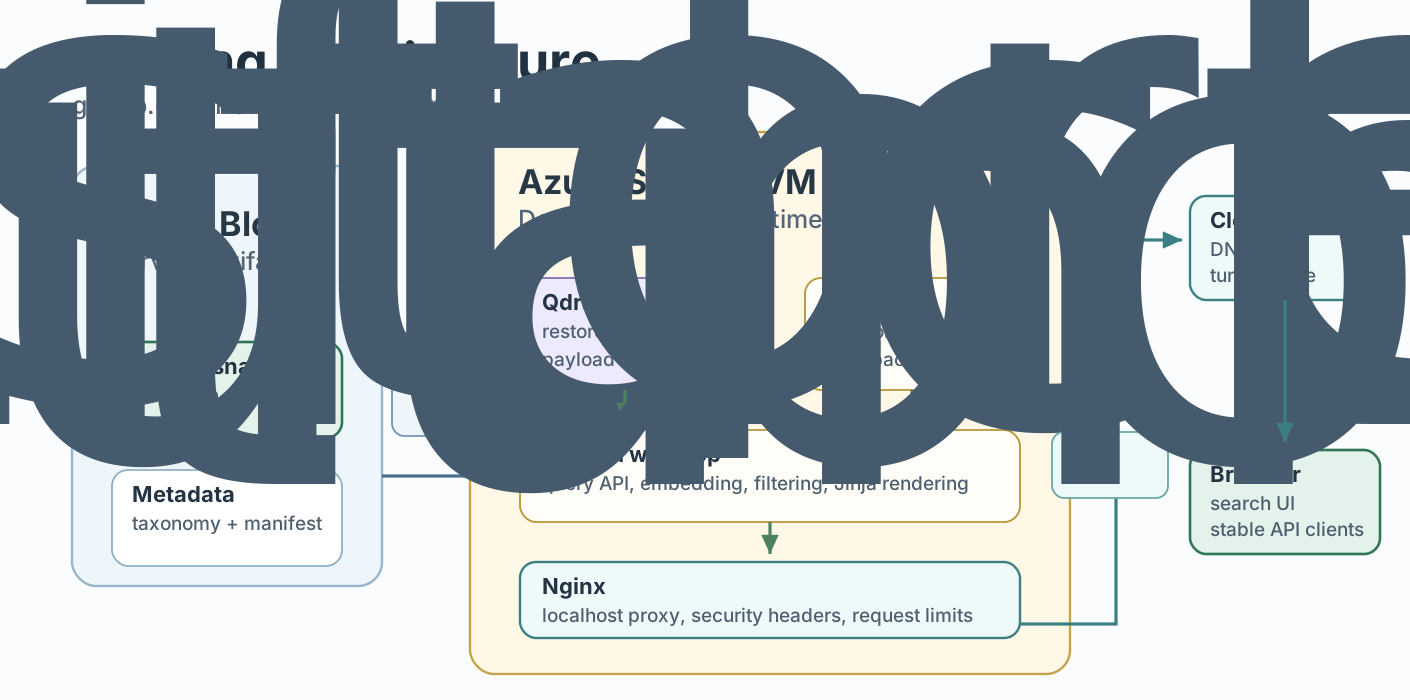
Just to briefly talk about the deployment, I stood this up on an Azure VM with blob storage for saved artifacts. The VM maintains a stateful thread per client front-end with shared memory for session information. The service is fully containerized and can automatically retrieve saved artifacts from blob storage and GitHub during deployment. The front end is the first I’ve ever built.
Go Explore
I consider the taxonomy payload a little easter egg. It’s my sneaky way of encouraging users to learn a little linguistics along the way. Since there are over 4,000 languages in Reverse-Wiktionary, I needed a way to make the filter navigable beyond just search. Part of the joy of the project is sharing my love of exploring and learning about language. The only way to organize the filter tree that made sense to me was a taxonomy tree of language families.
There is a whole side quest to construct the taxonomy that I could tell you about, but I’d rather people just explore for themselves than read about it. This project has been a great learning experience. I’m planning on keeping this demo live for the indefinite future, so please, enjoy!